

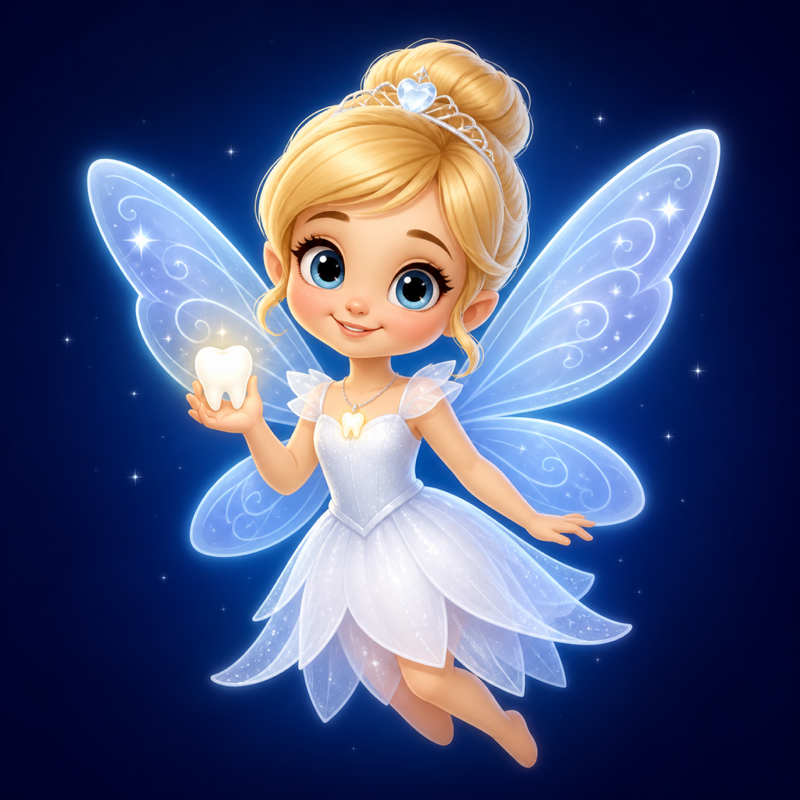
Your child just lost a tooth — maybe their first baby tooth, maybe a wobbly one they've been wiggling for weeks. Now they're checking under the pillow every five minutes, waiting for proof the Tooth Fairy is real.
What if you could show them a real-looking Tooth Fairy picture? Not clip art. Not a generic sticker. A photo that looks as though the Tooth Fairy really visited their room, picked up the tooth and left a surprise under the pillow.
With Tooth Fairy Caught On Camera, choose a photo from your iPhone, add a fairy, then position and resize her until the scene feels just right. You can also film a magical Fairy Flight video in your child's room and save the finished creation to Photos.
How to Make Real-Looking Tooth Fairy Pictures
- Choose a photo. Use their bedroom, pillow, bedside table or the spot where the tooth was left.
- Pick a fairy. Choose Aurora, Luna or Rosa to suit the colour and mood of the room.
- Place the fairy. Drag, resize and position her naturally near the pillow, doorway or curtains.
- Save the proof. Keep the finished photo on your iPhone and reveal it the next morning.
Tips for a Convincing Tooth Fairy Photo
- Take the room photo in dim evening light so the fairy glow feels natural.
- Place the fairy partly behind a curtain, door frame or piece of furniture for a caught-in-the-moment effect.
- Keep the fairy smaller when she is farther from the camera and larger when she is close to the pillow.
- Pair the photo with a personalised Tooth Fairy letter or certificate to complete the surprise.
Meet the Tooth Fairies

Aurora
Warm and golden. Aurora works beautifully in bedrooms with soft, cosy lighting.

Luna
Quiet and moonlit. Luna is ideal for darker photos and nighttime scenes.
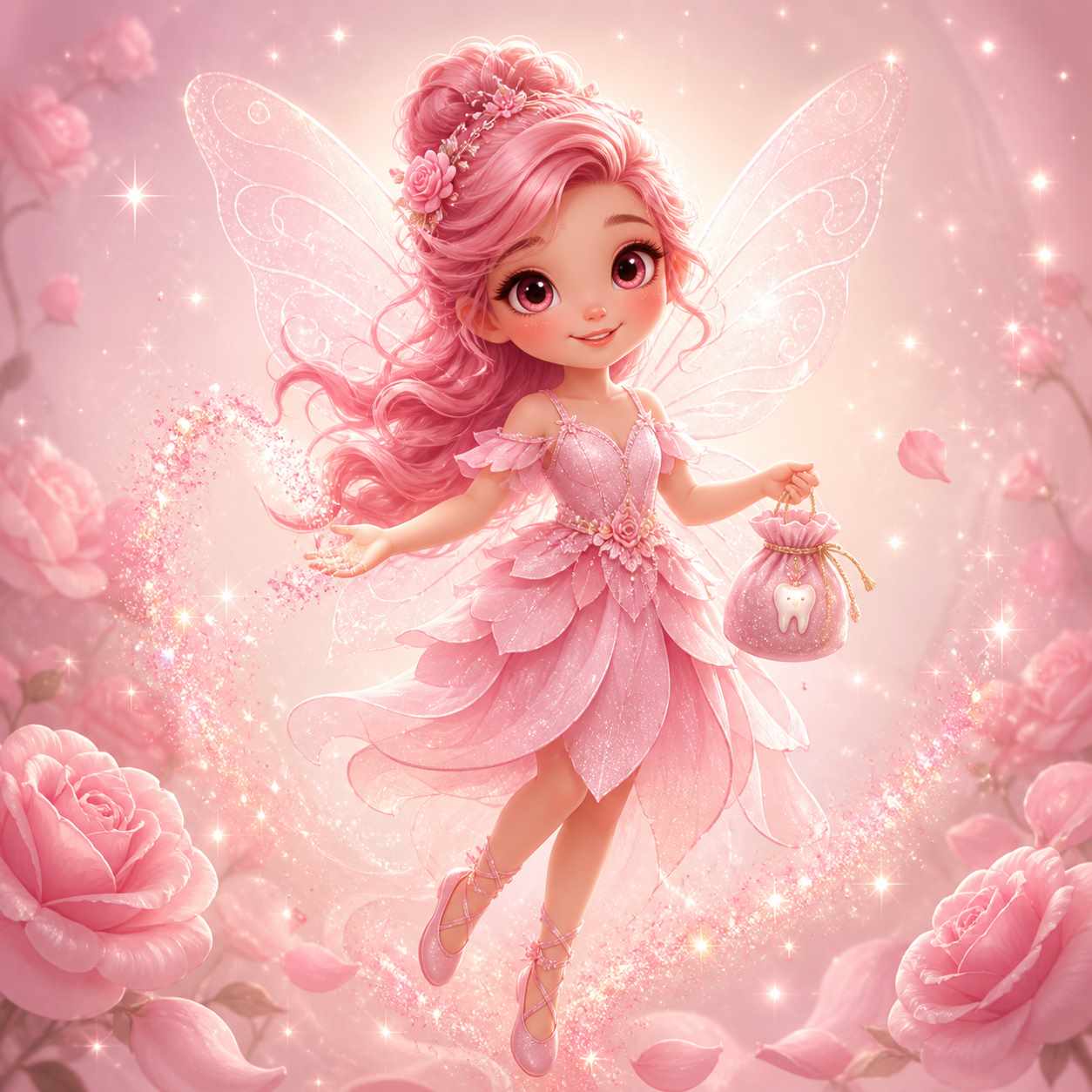
Rosa
Playful and sparkling. Rosa brings a rosy glow to a brave tooth-loser's room.
Tooth Fairy Picture Questions
Will my child believe the Tooth Fairy picture is real?
Natural placement makes the biggest difference. Try a dimly lit room and position the fairy as though the camera caught only a glimpse of her near the pillow or doorway.
Do I make the picture on this website?
No. Tooth Fairy pictures and videos are created in the Tooth Fairy Caught On Camera iPhone app. This support site provides ideas, guides, letters and certificates.
Can I also make a Tooth Fairy video?
Yes. Fairy Flight lets you film a Tooth Fairy flying through your child's room, then save the finished video to Photos.
Can I add a letter or certificate?
Yes. Use the free Tooth Fairy letter or Tooth Fairy certificate on this site to complete the morning surprise.
Ready to Catch the Tooth Fairy?
Create magical Tooth Fairy pictures and Fairy Flight videos on your iPhone.
View on the App Store